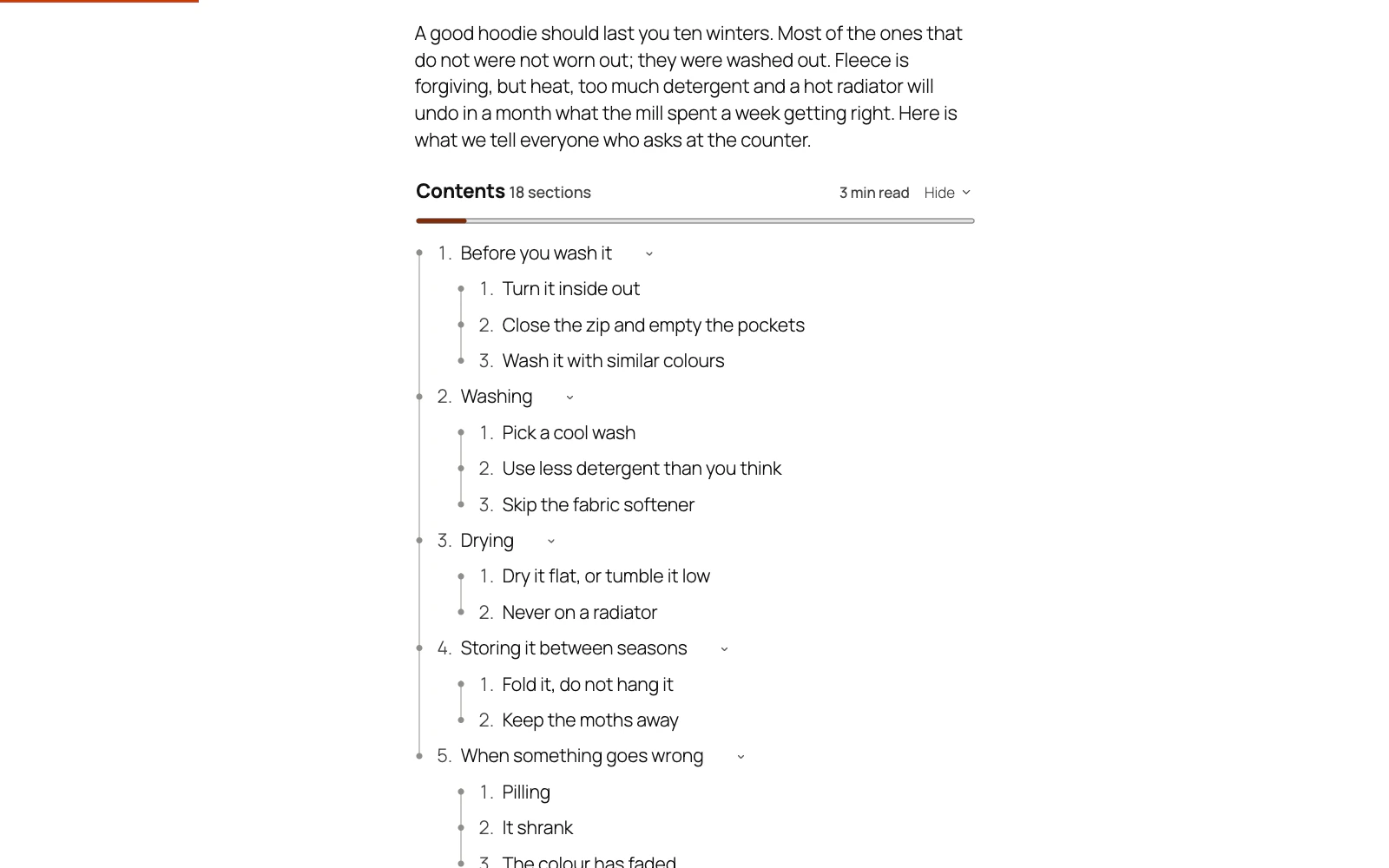
Yes. On a block theme, add the Contents (sidebar) block to a sidebar or a column in the Site Editor. On a classic theme, add the Table of Contents (sidebar) widget under Appearance → Widgets (the block works there too). The post's list appears beside the article in the same design. Put last in the sidebar, it stays in view under your sticky header while people read, the entry for the section they are in is highlighted, and clicking an entry works as it does in the post.
It is drawn from the same headings as the list in the post, so it always matches the article. A post without a list shows nothing in the sidebar, not even an empty box.
Put it last in the sidebar. Kept in view above other widgets it would slide over them, so there it stays in its place and scrolls with the page. It does the same inside a sidebar your theme clips (one with overflow hidden), where nothing can stay in view.
Someone browsing with JavaScript off still has the list in the post. A sidebar your theme prints after the article shows them a plain copy too; one printed before it stays empty for them.
To stop showing the list twice on a wide screen, switch on Settings → On wide screens, leave the list out of the post while the sidebar shows it. Screens narrower than 1024 pixels, and a theme that drops the sidebar below the article, keep the list in the post.
The floating button (Settings → Show a floating button) stays out of the way while the sidebar list is on screen, and comes back once it is not.
Still stuck? Ask the developers who wrote it. We aim to reply within one business day.
 Table of Contents
Give a long post a contents list built from its own headings, and a permanent link to every section.
From $19 a year · every feature · 30-day refund