All 33 Table of Contents answers
Answer
My floating button says Contents, not the section being read
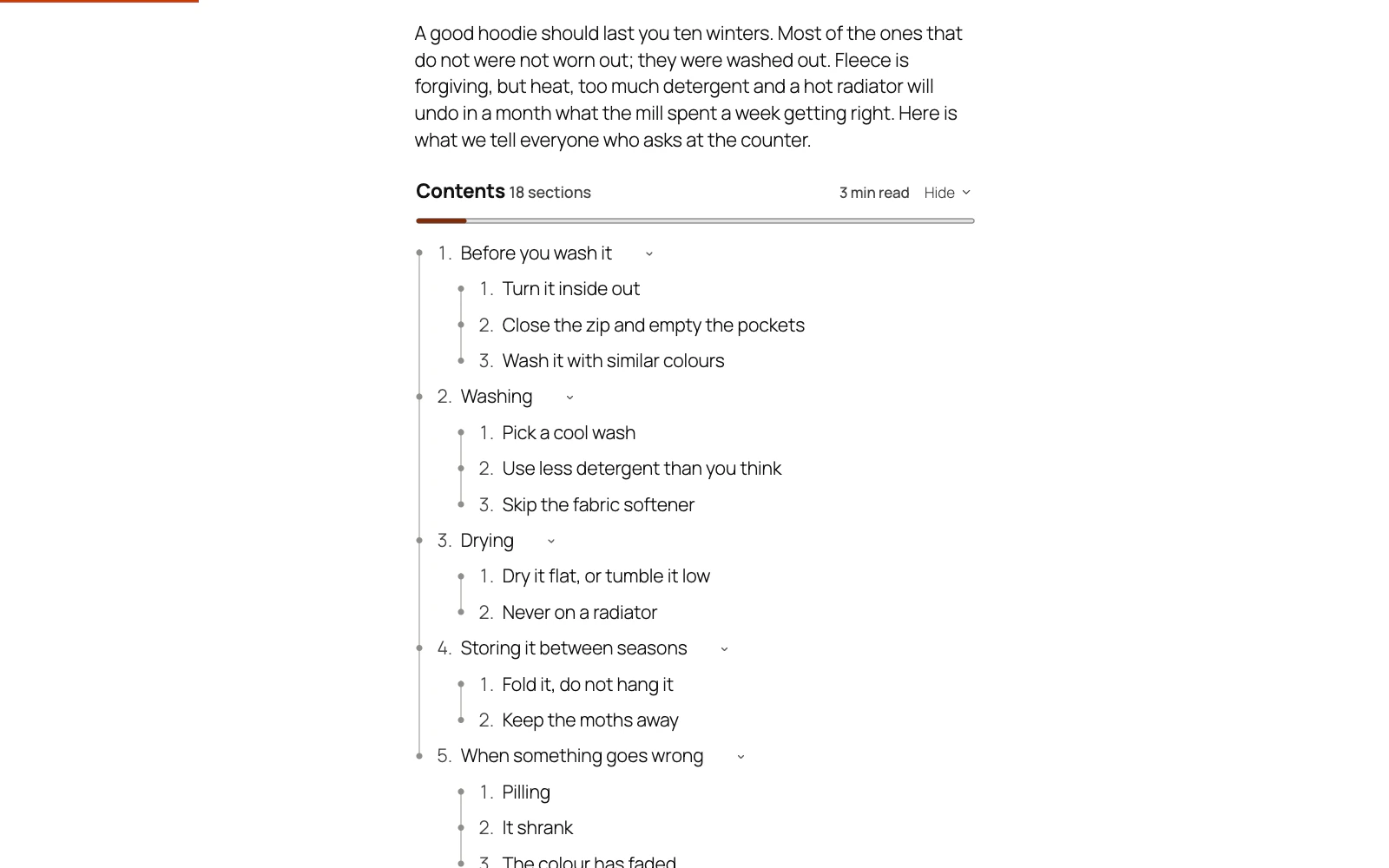
The floating button can name the section the reader is in, "3 · Choosing a size", changing as they scroll. A site that had the plugin before it could keeps the list's title on its button, so nothing changes in front of your visitors until you choose it: set Settings → Button shows to The section being read, or press Switch it on where the Dashboard offers it.
Above the first heading it still shows the list's title, and the words follow the list's own numbering, so a list numbered 1. 2. 3. shows "3 · …" and one with no numbers shows the heading alone.
Still stuck? Ask the developers who wrote it. We aim to reply within one business day.
 Table of Contents
Give a long post a contents list built from its own headings, and a permanent link to every section.
From $19 a year · every feature · 30-day refund