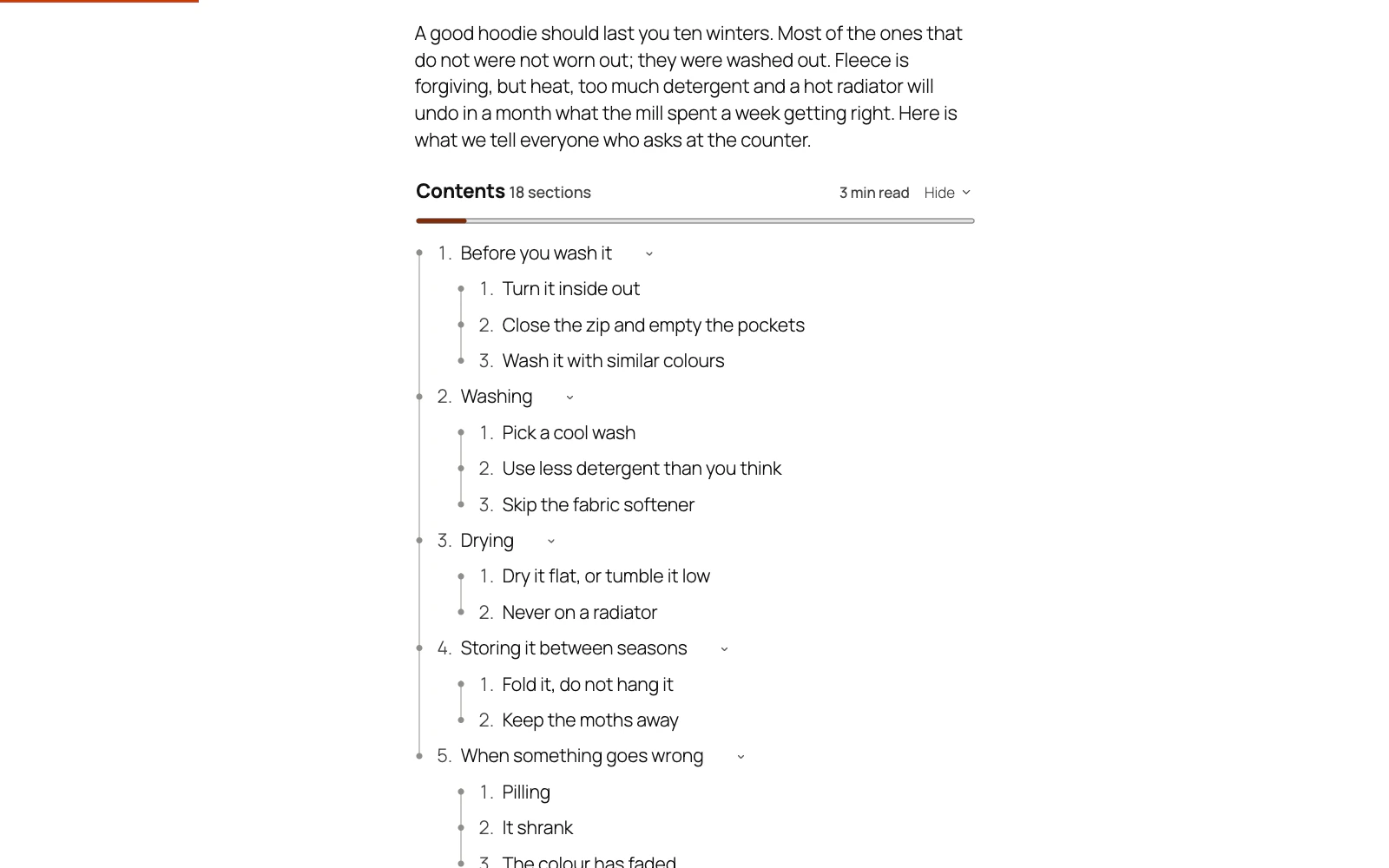
Pick a design that suits it. There are two kinds:
- A design that draws a panel of its own — Card, Tinted, Pill, Rail, Numerals, Notebook, Compact, Midnight, Banner, Chips — paints its own background and its own type on it. It looks the same on a dark theme as on a light one. Midnight is the one built for a dark site: light type on a dark panel.
- A design that draws no panel — Plain, Rules, Minimal, Bracket, Ladder, Steps, Magazine, Underline, Aside, Dotted — sits straight on your page and uses your theme's own text colour, so it follows a dark theme automatically. The Text colour field is switched off for those, because there is no panel of ours for the type to sit on.
If a colour of your own is still wrong, set it under Design → Colours. A colour you set is used on every design. Where a design reverses type out of your accent — Banner's band, the circle round the step being read — the shade is adjusted until the type on it reads, so a mid-tone brand colour still works there.
Still stuck? Ask the developers who wrote it. We aim to reply within one business day.
 Table of Contents
Give a long post a contents list built from its own headings, and a permanent link to every section.
From $19 a year · every feature · 30-day refund