All 33 Table of Contents answers
Answer
How do I change the wording of the heading?
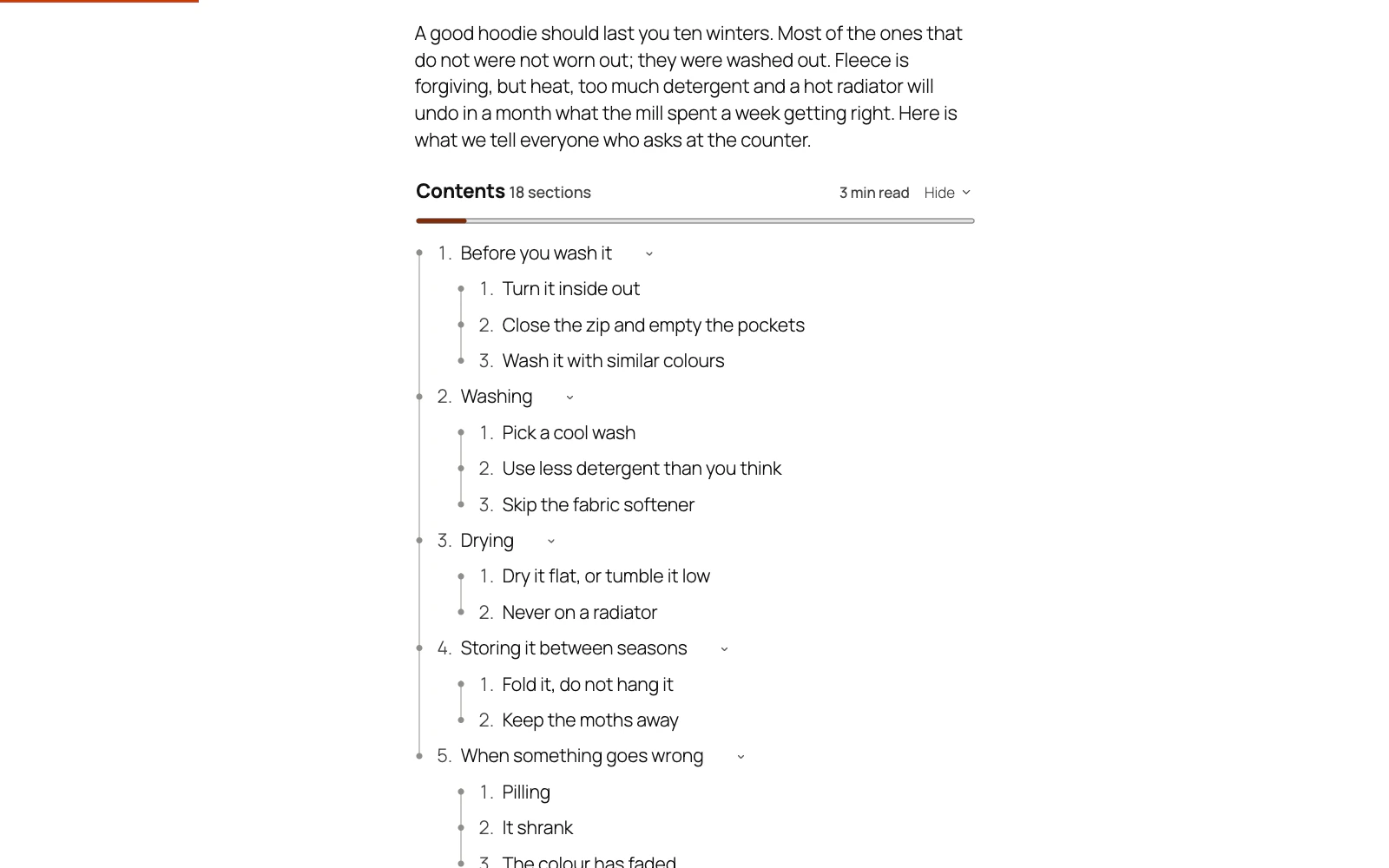
Table of Contents takes the words above every list from Design → Heading, so type your own there and save; left empty, the heading reads “Contents”.
Three places can change it:
- Design → Heading, for every list on the site. Heading tag beside it sets H2, H3, H4 or plain text; plain text is not counted as a heading at all.
- The post's own Table of contents box in the editor sidebar, for that post only. Clear the box and the post goes back to the site's heading.
- A list you place yourself:
[toc title="In this guide"], or the heading field in the Table of contents block's sidebar.
On a translated site, leaving the field empty is the easy choice: “Contents” is already translated into Spanish and French. Words you type are offered for translation in WPML or Polylang, and each translation of a post has its own box for a heading in its own language.
Still stuck? Ask the developers who wrote it. We aim to reply within one business day.
 Table of Contents
Give a long post a contents list built from its own headings, and a permanent link to every section.
From $19 a year · every feature · 30-day refund