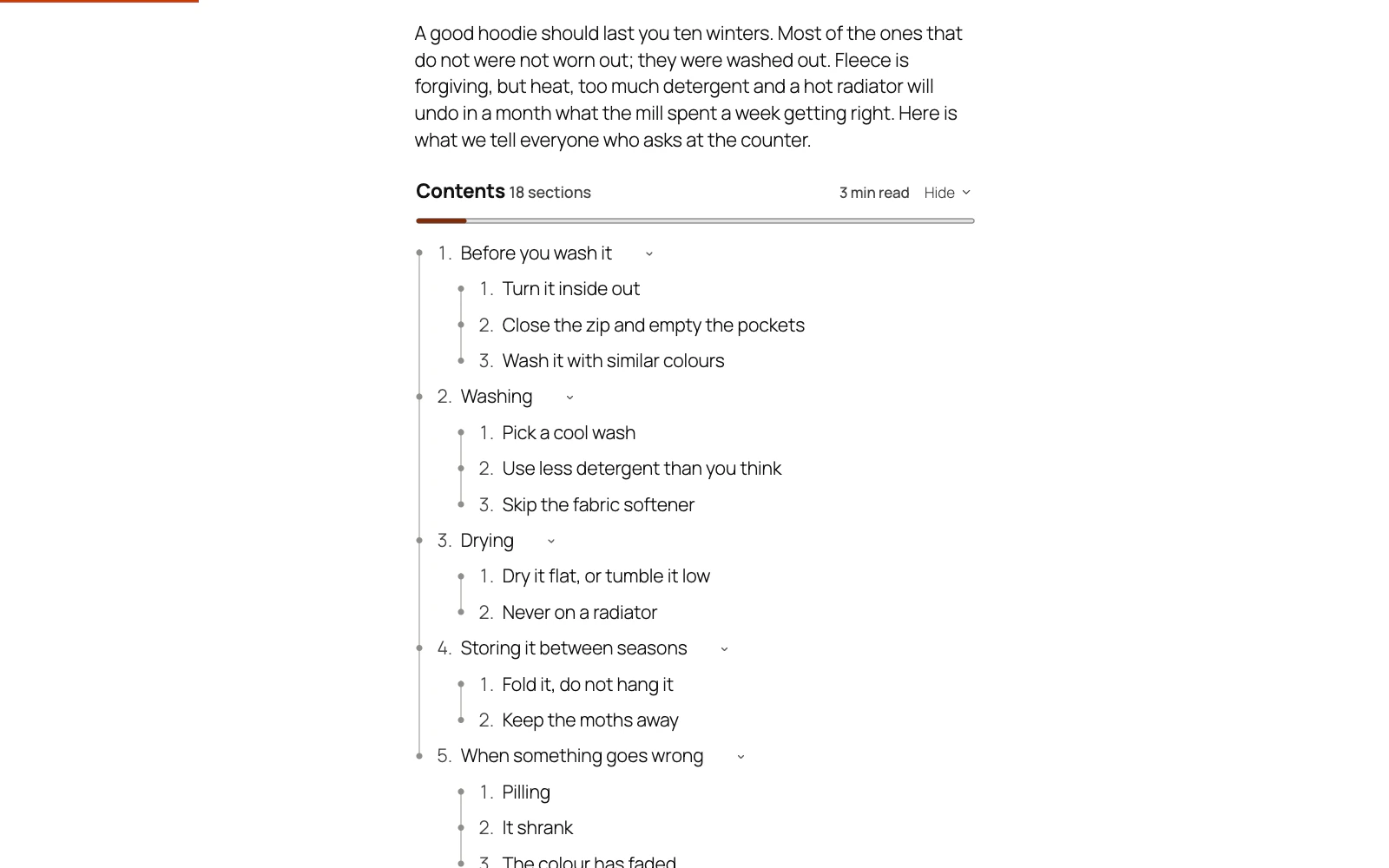
Open the post in the editor and look at the top of its Table of Contents box. It says whether the post gets a list, and if not, why — with a link to the setting that changes it.
The most likely reason is that the post is shorter than the threshold. By default a list is only drawn on posts with at least three headings — below that it is furniture rather than navigation.
A line you made bold is not a heading, and the list cannot see it. When the post has too few headings, the block editor's box names such lines under its first line, with Make them headings; in the classic editor it names them once the post is saved and says how to change one.
Check, in this order:
- Does the post have three or more headings? Lower the number under Settings → Minimum headings if you want it on shorter ones.
- Are those headings at levels you have selected? H2, H3 and H4 are on by default, so a post built entirely from H5s is invisible to it.
- Is Placement → Add the contents list automatically switched on?
- Does Display on include this kind of post? A list only ever goes on a single post, page or product — never on an archive, the blog index or search results.
- Does the post's own Table of contents box say Never show it, or Only where I place it?
- Is it the cart, checkout or account page? Those are left alone unless the page's own box says Always show it, or Display on names that page under Places or Specific pages.
- Is it limited to certain screen sizes under Placement → Devices?
- Is the post split into pages with the Page Break block? Then each page counts only its own headings, unless Settings → On posts split into pages lists every page's headings on each page. See My post is split into pages below.
Still stuck? Ask the developers who wrote it. We aim to reply within one business day.
 Table of Contents
Give a long post a contents list built from its own headings, and a permanent link to every section.
From $19 a year · every feature · 30-day refund