Yes. The help centre and articles are ordinary cacheable pages. Search, the "Was this helpful?" vote and counting article views go through the REST API after the page has loaded, without any token baked into the page and without setting a cookie, so they keep working however long a cached copy is kept and never stop a page from being cached.
A customer's own conversation and the page holding the form tell page caches not to store them, with the same headers and DONOTCACHEPAGE constant that WooCommerce uses for its checkout. If your cache ignores both, exclude the page holding [trasl_my_tickets] from it. If the form is sent from a copy so old that it has expired, it comes back with the customer's words still in it and asks them to send again.
Still stuck? Ask the developers who wrote it. We aim to reply within one business day.
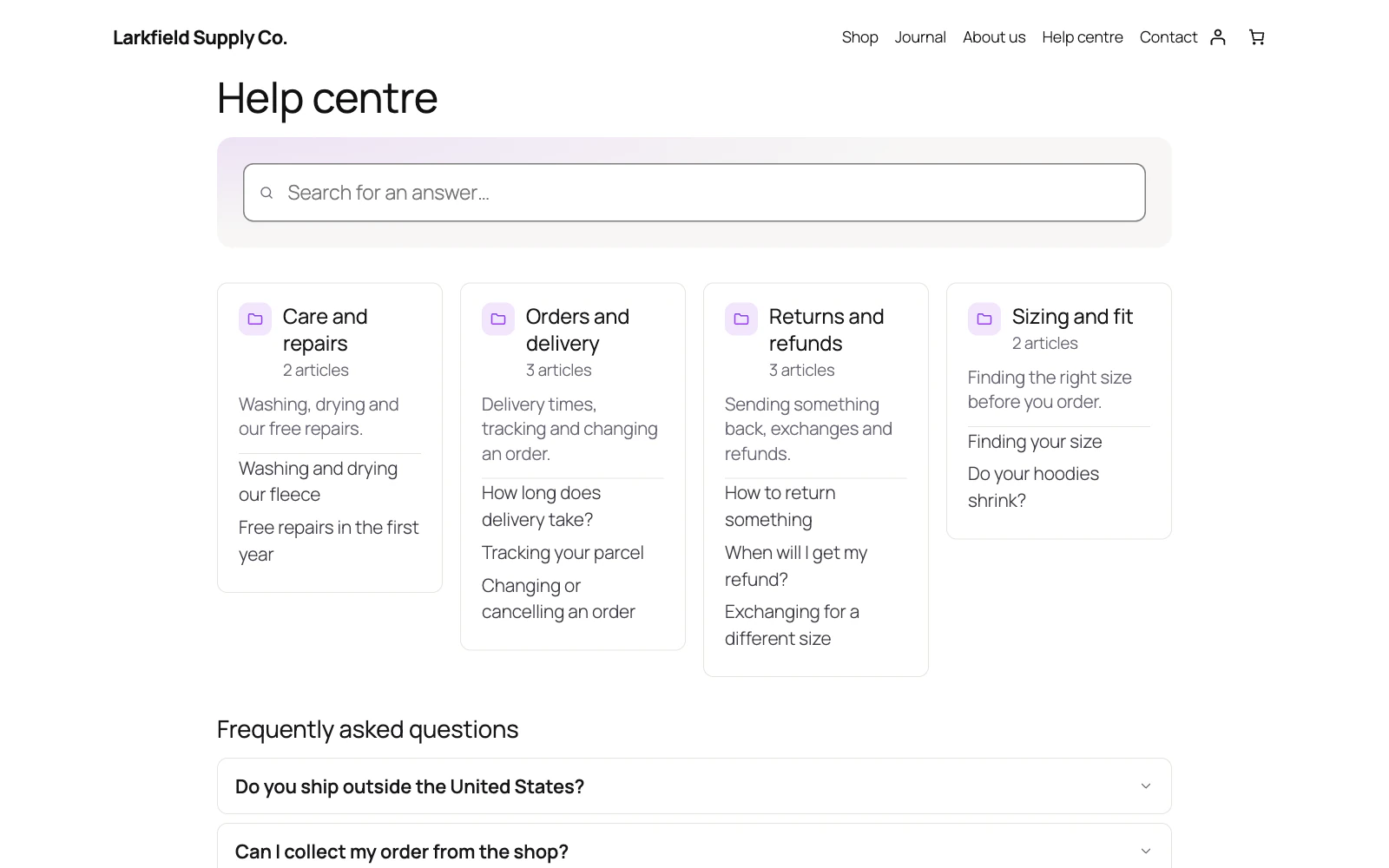
 Help Centre
A knowledge base, an FAQ and a support desk — so people find the answer, and reach you when they cannot.
From $19 a year · every feature · 30-day refund